
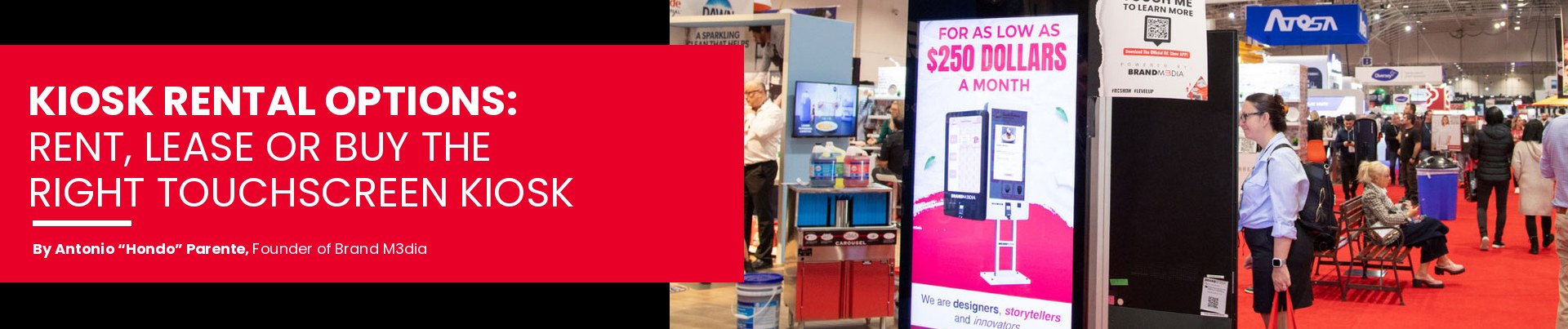
Kiosk Rental Options: How to Rent the Right Touchscreen Kiosk
You can rent a touchscreen kiosk for a single day, a whole trade show season or a pop-up that refuses to end. The right option comes down to three things: how long you need it, where it's going, and what you want it to do once people start tapping.
We're Brand M3dia (yes, the 3 is on purpose, and it's pronounced Brand Media). We've been putting interactive kiosks in front of crowds in Toronto and across Canada since 2001, so we've seen every way a rental can go right, and a few creative ways it can go sideways.
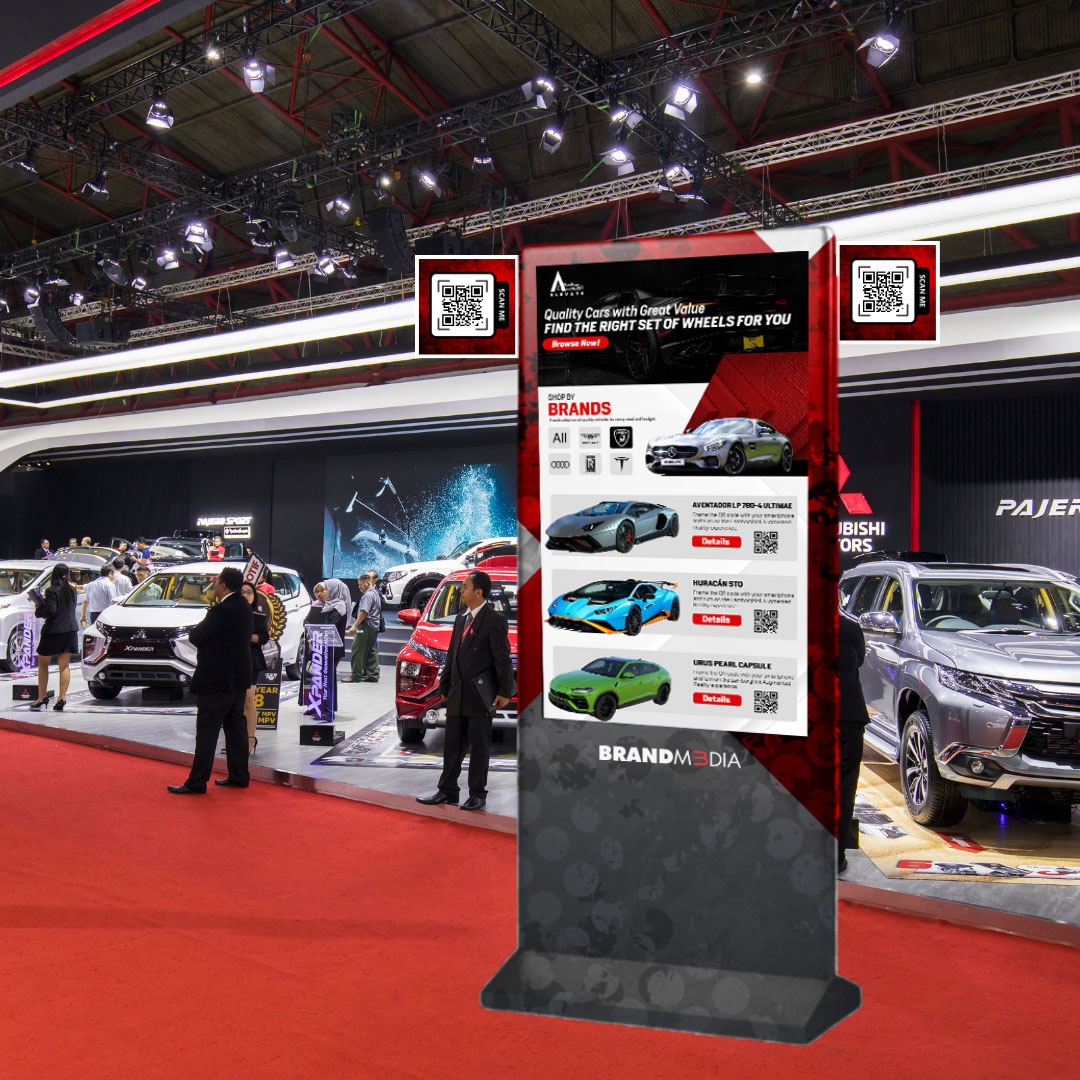
Rent, Lease or Buy?
Short answer: rent for events, lease if it's staying for months, buy if it's becoming part of the furniture.
| Rent | Lease | Buy | |
|---|---|---|---|
| Best for | Trade shows, galas, pop-ups, launches | Seasonal retail, long campaigns, lobbies | Permanent stores, offices, buildings |
| Typical length | A day to a few weeks | Months | For good (or until it's retro-cool) |
| Setup | We set it up and take it down | Set up for you | Installed once |
| Software changes | Built for your event | Update any time | Update any time |
| Cost | Quoted per event | Monthly payment | One-time price |
On the fence? Here's the honest rule: if you keep booking the same kiosk event after event, ask us to compare renting against leasing.
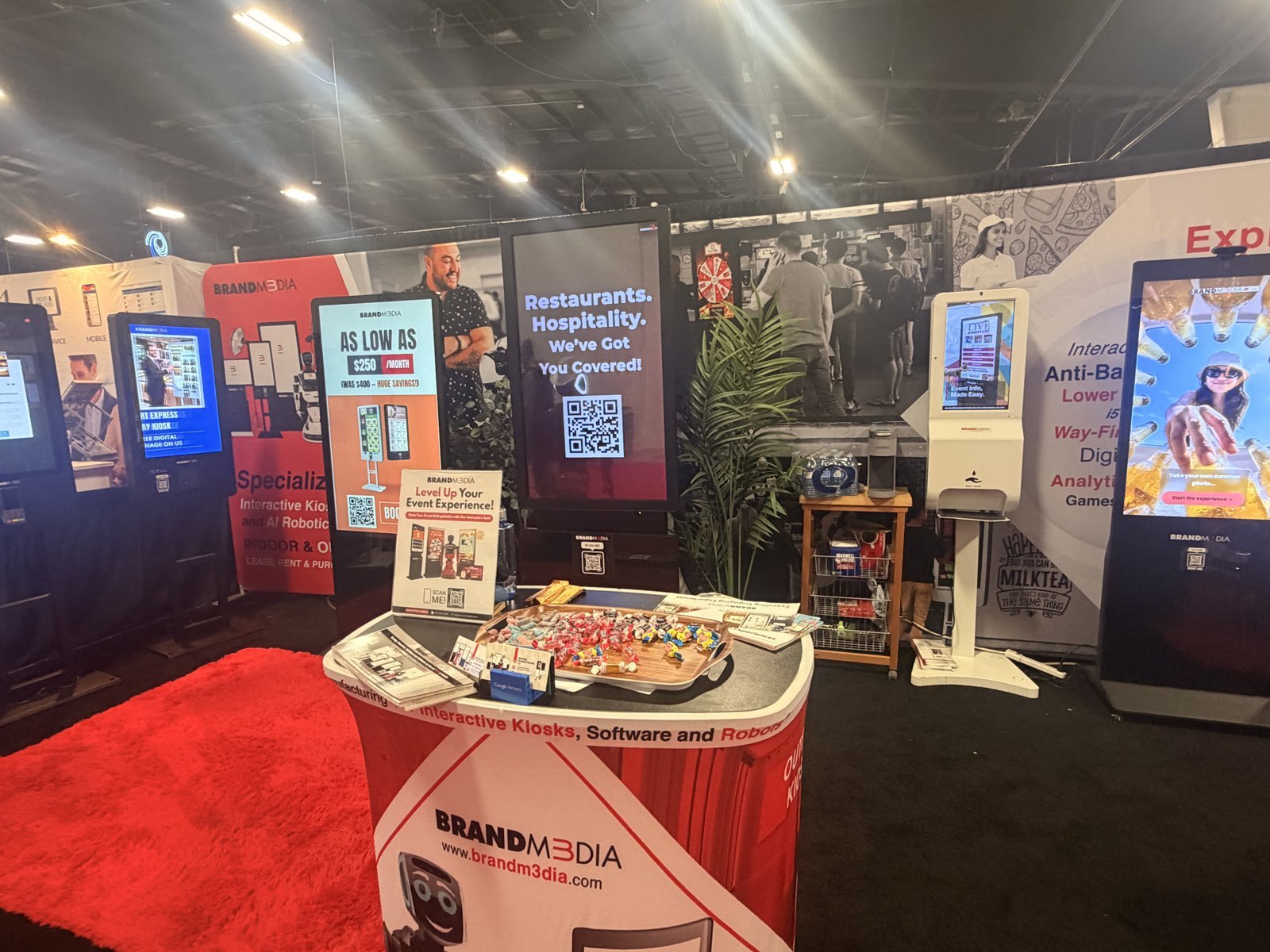
Pick the Size and Style
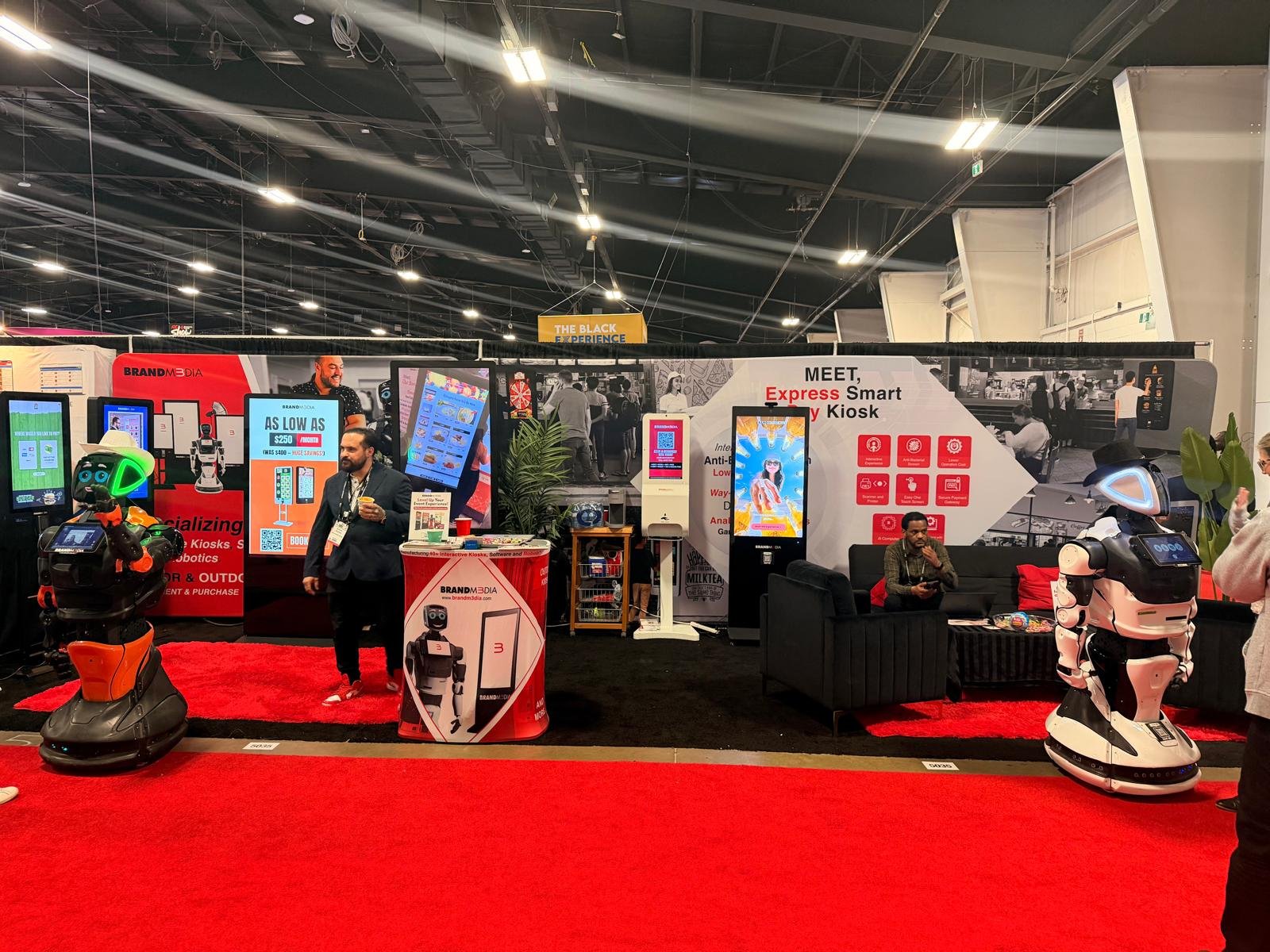
Our kiosks come in sizes from 21.5″ up to 88″, for indoors and outdoors. Bigger isn't always better: a 70″ kiosk in a 10×10 booth is less "wow" and more "why".


| Kiosk | Best spot | Why people pick it |
|---|---|---|
| Smart Kiosk (43″ or 55″) | Trade show booths, lobbies | The all-rounder: touch screen, branding, lead capture |
| Smart Kiosk Mini | Small booths, pop-ups | Same brains, smaller footprint |
| Smart Table Top | Counters, reception desks | Flips between 4K display and touch |
| Smart Rotating Kiosk | Retail, showrooms | Turns between landscape and portrait |
| Double-sided kiosk | High-traffic aisles | Two screens, twice the eyeballs |
| Smart Outdoor Kiosk | Festivals, patios, outdoor events | Built for outdoor use |
| Video wall (LCD or LED) | Big booths, stages, galas | Seen from across the room |
Decide What It Actually Does
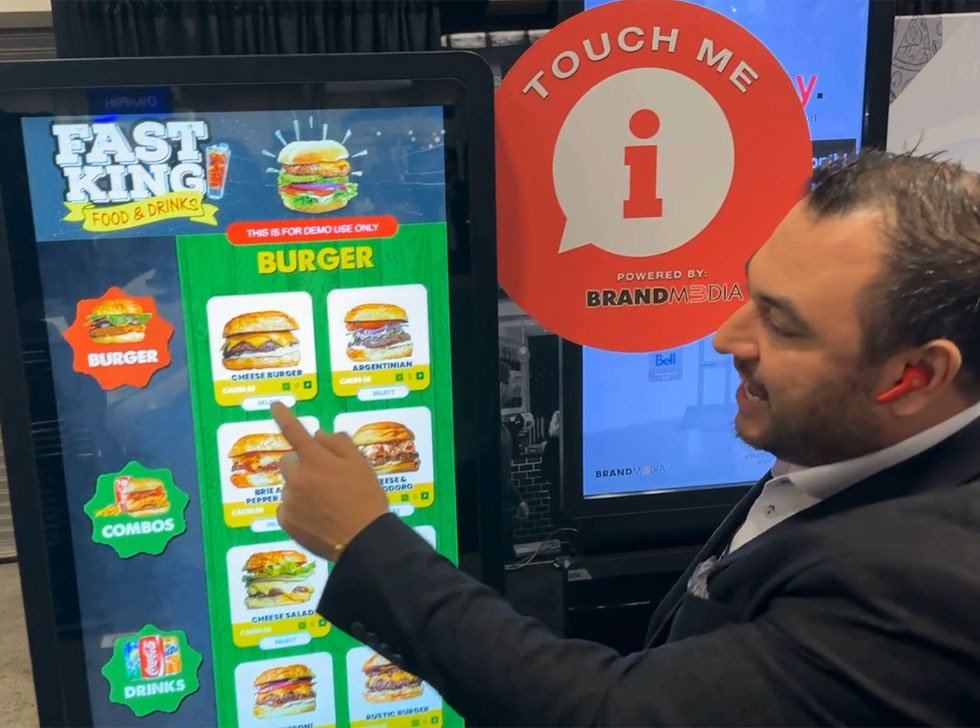
A kiosk with nothing on it is a very expensive mirror. The software is where the leads come from. The most popular choices for rentals:
Spin to Win is the crowd favourite: guests enter their details, spin, win a prize, and you get the lead in about 10 seconds. No Wi-Fi at the venue? Our BM3 Suite software runs offline, so the kiosk keeps capturing leads even when the convention centre's internet doesn't.
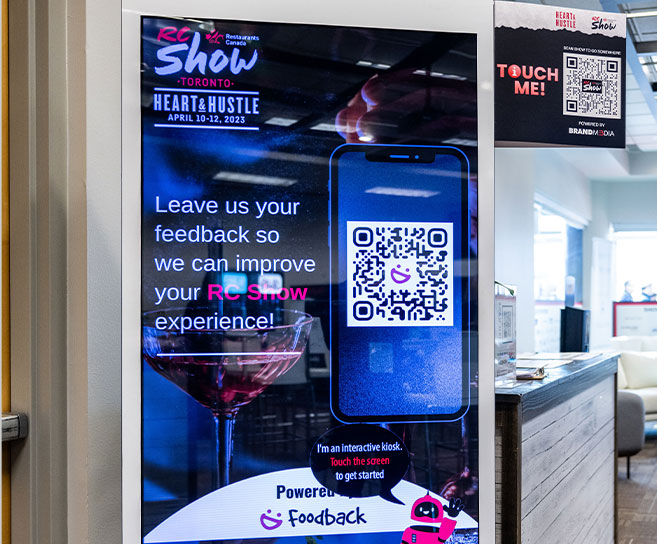
How a Kiosk Rental Works
- Discovery call
- Pick kiosk and software
- We brand it: logo, colours, templates
- Delivery or pick-up
- We set it up
- Your event: leads roll in
- We take it down
Tell us how you want your leads delivered after the event, and we'll set the kiosk up for it.
What to Ask Any Kiosk Rental Company (Including Us)
- Is setup and takedown included?
- Does the software work offline?
- Who owns the lead data, and how do I get it?
- Can it be branded with my logo and colours?
- What happens if something breaks mid-event?
Questions We Get About Kiosk Rentals
How much does it cost to rent a touchscreen kiosk in Toronto?
It depends on the kiosk size, the software and how long you need it. Book a quick call and we'll quote it.
How far ahead should I book?
As early as you can. Busy season (spring trade shows and the holidays) fills up first.
Do you rent outside Toronto?
Yes. We rent across Canada from our Toronto showroom.
Can I see the kiosks before renting?
Yes. Book a visit to our showroom at 81A Kincort St in Toronto, or a demo on Zoom.
Can I add my own content?
Yes. Use our ready-made templates or a fully custom interface with your branding.
Ready to Put a Kiosk in Front of Your Crowd?
Tell us the event, the dates and the space. We'll tell you which kiosk fits, what it should run, and what it costs to rent, lease or buy.
Brand M3dia (pronounced Brand Media) · 81A Kincort St, Toronto, ON M6M 5G7 · 416-244-2004 · In business since 2001 · Rent, lease or buy across Canada.
Antonio “Hondo” Parente is the founder of Brand M3dia, a Toronto-based interactive technology company specializing in interactive kiosks, AI robot rentals, digital signage, custom software, gamification and immersive event experiences.